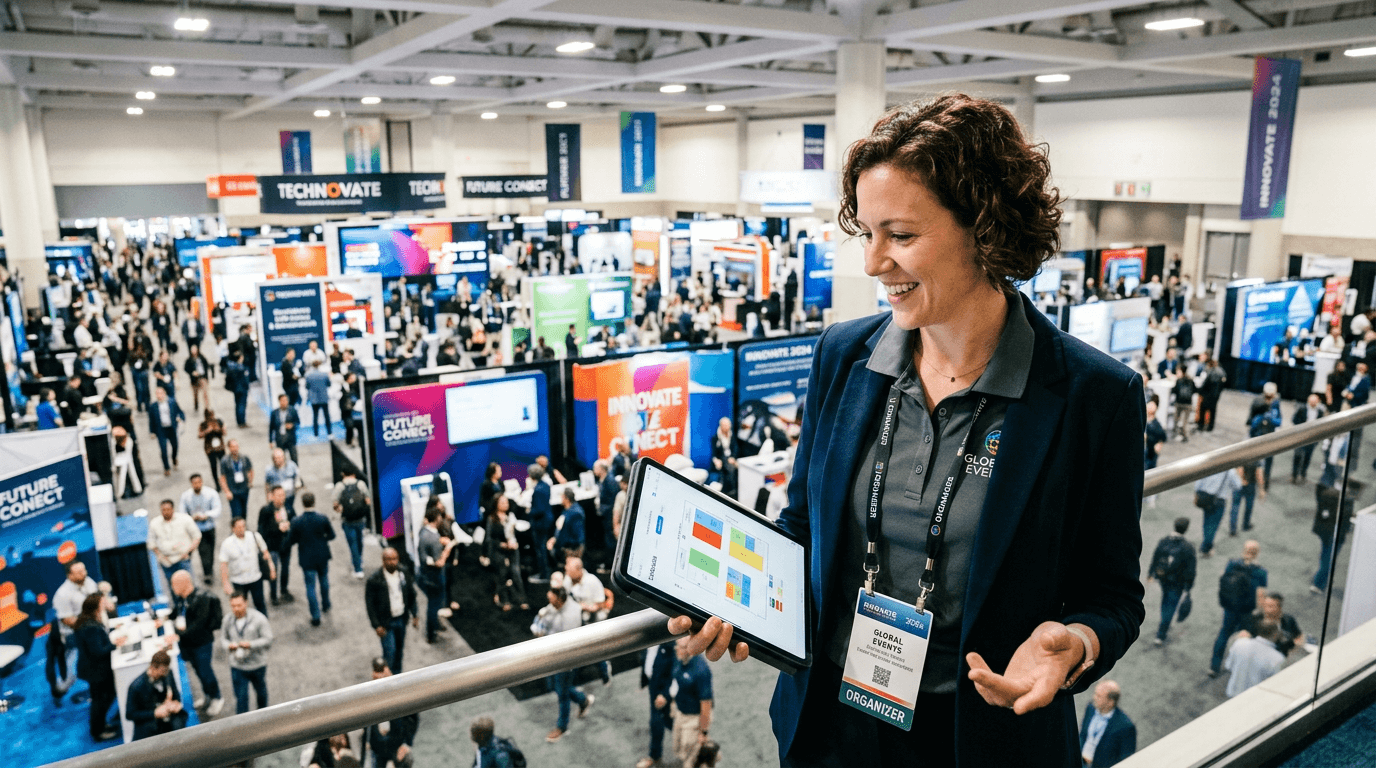
Event Coordination Platform
Event coordination, vendor tracking, and attendee metrics for trade shows.
Track check-in, vendor activity, attendee movement, and sponsor ROI from one coordinator workspace. Every role gets its own lane.
Checked in
1,052
82% of registered attendees
Active vendors
42
Booths scanning now
Floor activity
3.9K
Live booth interactions
Event Command Center
The coordinator sees the whole floor, not just another signup page.
121Notes is built around the operational questions that decide whether a trade show is running well: who arrived, which vendors are active, where attendee engagement is happening, and what the event can prove when the booths come down.
Coordinate the show
Track registrations, check-ins, vendor setup, invite status, and event activation from one coordinator lane.
Track vendor activity
See which booths are active, where traffic is building, and which sponsors need a stronger post-show report.
Measure attendee movement
Understand arrival pace, booth engagement, return visits, and the times your floor gets busiest.
Report event ROI
Turn QR badge usage and booth activity into concrete performance summaries for coordinators and sponsors.
Live Event Pulse
Greater Pocono Home Show
Registered
1,286
+138 this week
Checked in
1,052
82% arrival rate
Vendors live
42
6 need setup help
Booth activity
3,917
Interactions today
Peak check-in window
10:15-11:00 AM
Highest-traffic zone
North aisle, booths 18-24
Vendor follow-up status
31 booths exporting post-show lists
Coordinators keep the event lane, vendors keep the booth lane, and attendees keep the badge lane. Each role sees the metrics that matter without crossing account permissions.
Preview the same event from every lane.
The demo is built around one event so coordinators, vendors, and attendees can see their own workflow without mixing permissions or account setup.
Run the floor
Check-in pace, vendor setup, booth heatmap, sponsor activity, and hourly traffic trends from the event command lane.
Track booth activity
See the booth workspace vendors use for attendee scans, staff activity, follow-up status, and exportable post-show lists.
Move through the event
Preview the attendee badge lane: registration status, QR entry, visited vendors, and the simple path back into the event.
Quick Answers
Built for event teams that need operational proof.
Every role has a clear purpose: coordinators run the event, vendors work the booth, and attendees move through the floor with a simple digital badge.
What is 121Notes?
121Notes is an event coordination platform for trade shows and expos. It gives coordinators a live view of attendee registration, check-in, vendor activity, booth engagement, and post-show reporting.
How does 121Notes help event coordinators?
Coordinators use 121Notes to open the event workspace, invite vendors, monitor attendee turnout, watch floor activity, and prepare sponsor or stakeholder reports from real event data.
What vendor activity can coordinators track?
Coordinators can see vendor participation signals such as booth setup, scan volume, active staff usage, traffic patterns, and aggregate event performance without exposing private vendor contact lists.
What attendee metrics does 121Notes show?
121Notes can surface registration totals, check-in rate, peak arrival windows, QR badge usage, booth engagement, and the areas of the floor drawing the most attention.
Who uses each 121Notes lane?
Attendees use the badge and registration lane, vendors use the booth activity lane, and event coordinators use the operations and analytics lane. Each role has a separate sign-in path and permissions.
Choose your event lane
Attendees, coordinators, and vendors stay separate.
Every role gets the account path, dashboard, and permissions built for what they actually do at the event.
Event guest
I am an attendee
Register through your event link, open your QR badge, and return to the right event without joining the coordinator or vendor flow.
Event coordinator
I coordinate events
Create the event workspace, invite vendors, monitor attendee registration, manage check-in, and track floor activity.
Exhibitor or staff
I am a vendor
Use your coordinator invite or sign in to the booth lane for attendee scans, team activity, and post-show follow-up.